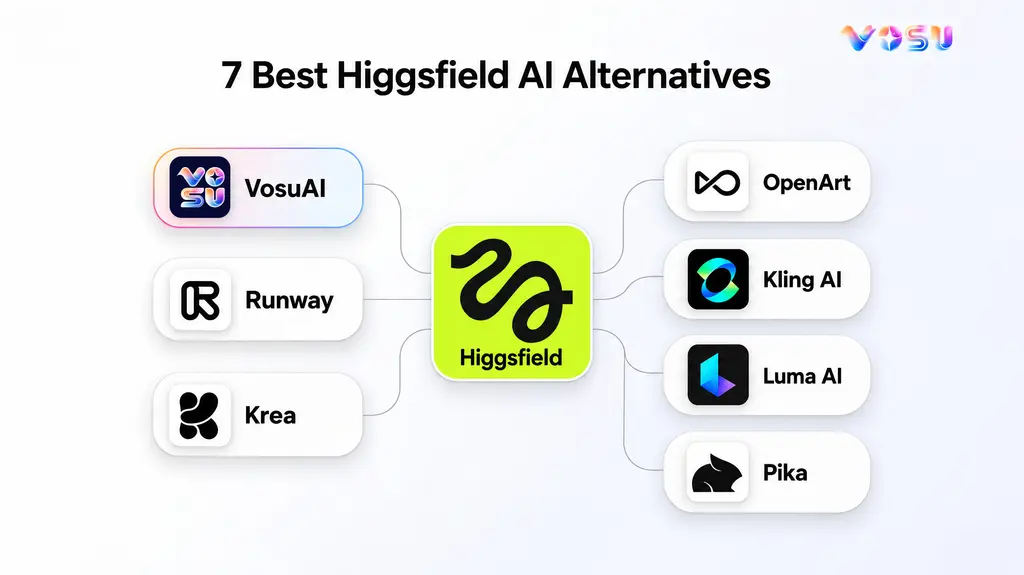
The best Higgsfield AI alternatives in 2026 are VosuAI, Runway, Krea, OpenArt, Kling AI, Luma AI, and Pika. Together, they cover the main reasons creators compare other options: access to multiple image and video models, production focused video tools, faster model comparison, broader multimodal creation, direct model access, cinematic generation, and short form effects.
Choosing among them depends on the work you need to complete. VosuAI suits creators who want multiple models and connected creative workflows in one platform. Runway emphasizes professional video generation and editing. Krea supports rapid comparison and iteration, while OpenArt covers a wide range of media formats. Kling AI offers a model centered path to video generation. Luma AI focuses on cinematic visual creation, and Pika is oriented toward fast, effect driven social content.
The 7 best Higgsfield AI alternatives are listed below.
- VosuAI
- Runway
- Krea
- OpenArt
- Kling AI
- Luma AI
- Pika
Each alternative serves a different production need, so the right choice depends on whether you prioritize model breadth, workflow control, specialized video generation, multimodal creation, rapid short form output, and the broader editing workflow involved.
Quick Comparison: 7 Higgsfield AI Alternatives
| Alternative | Best for | Alternative type | Model access | Image/video scope | Workflow & editing | Pricing | Key distinction |
|---|---|---|---|---|---|---|---|
| VosuAI | Multi-model production | Agentic CreativeOS | Large multi-model library | Image/video/audio/3D | Agent, Nodes, Playground, MCP | From $1 pay as you go | Non-expiring credits, unlimited members, lower model rates |
| Runway | Professional video | Creative suite | Own/partner models | Image/video/audio | Agent, projects, editing | $12/month annually | Production controls |
| Krea | Model comparison | Creative suite | 33 image, 34 video | Image/video/audio/3D | Parallel testing | $5/month annually | Side-by-side iteration |
| OpenArt | Broad creation | Creator suite | Premium models | Image/video/audio | Characters, MCP | $13/month annually | Reusable assets |
| Kling AI | Direct video | Model-first platform | Kling models | Image/video/audio | Motion control, editor | $6.99/month intro | Native audio |
| Luma AI | Cinematic workflows | Agentic platform | Own/partner models | Image/video/audio | Agent, boards, Modify | $30/month Plus | Ray controls |
| Pika | Short-form effects | Multimodal platform | Own/partner models | Image/video/audio | Studios, apps, editing | $8/month annually | Creator apps |
1. VosuAI — Best for Multi-Model Creative Production
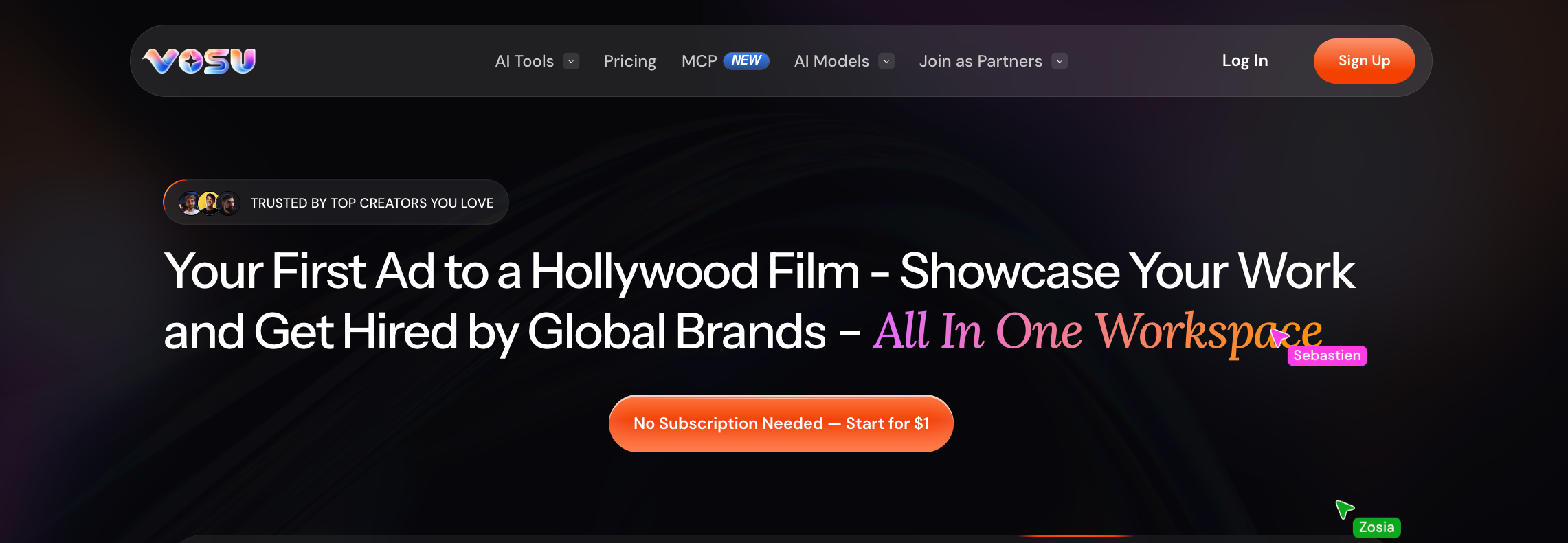
VosuAI connects multi-model generation with Agents, Nodes and reusable production workflows.
VosuAI is the broad-fit Higgsfield AI alternative for creators and teams that want multiple models connected to reusable creative workflows. It is an agentic generative media operating system that brings creation, editing, automation, collaboration, and creator discovery into one workspace.
VosuAI provides verified access to 150+ AI models, with the wider platform spanning image, video, audio, animation, avatars, and 3D. Available families include Veo, Kling, Seedance, Sora, Flux, and Nano Banana. Model choice matters because output quality, visual style, motion control, supported inputs, and credit consumption vary by model and task.
Agents convert a campaign brief into concepts, prompts, model choices, variations, and an editable workflow. Nodes lets users connect models, tools, and actions on a visual canvas, then save or reuse the process. Playground supports faster evaluation by applying one prompt to multiple models and comparing their outputs side by side.
The production layer stays focused on useful outcomes. Image and video generation connect with editing, upscaling, avatars, UGC-style content, and Marketing Studio for branded ads and campaign assets.
Pros
- 150+ models within one creative environment
- Agents and Nodes for repeatable production workflows
- MCP access through supported AI assistants with the same account and credits
- VOSU Marketplace for showcasing portfolios and finding or hiring creative talent
Trade-offs: Credit use and available controls vary by model and generation task, so output costs are not uniform. The wider tool set also requires more learning than a specialized generator.
Pricing: Pay-as-you-go top-ups start at $1. No subscription is required, and purchased top-up credits do not expire. Optional subscription credits reset monthly.
Ideal for: Creators, marketers, agencies, and teams producing varied campaigns that need model comparison and reusable workflows.
Bottom line: VosuAI is the strongest fit when model choice, orchestration, and connected production matter more than a single-purpose generation interface.
2. Runway — Best for Production-Grade AI Video Workflows
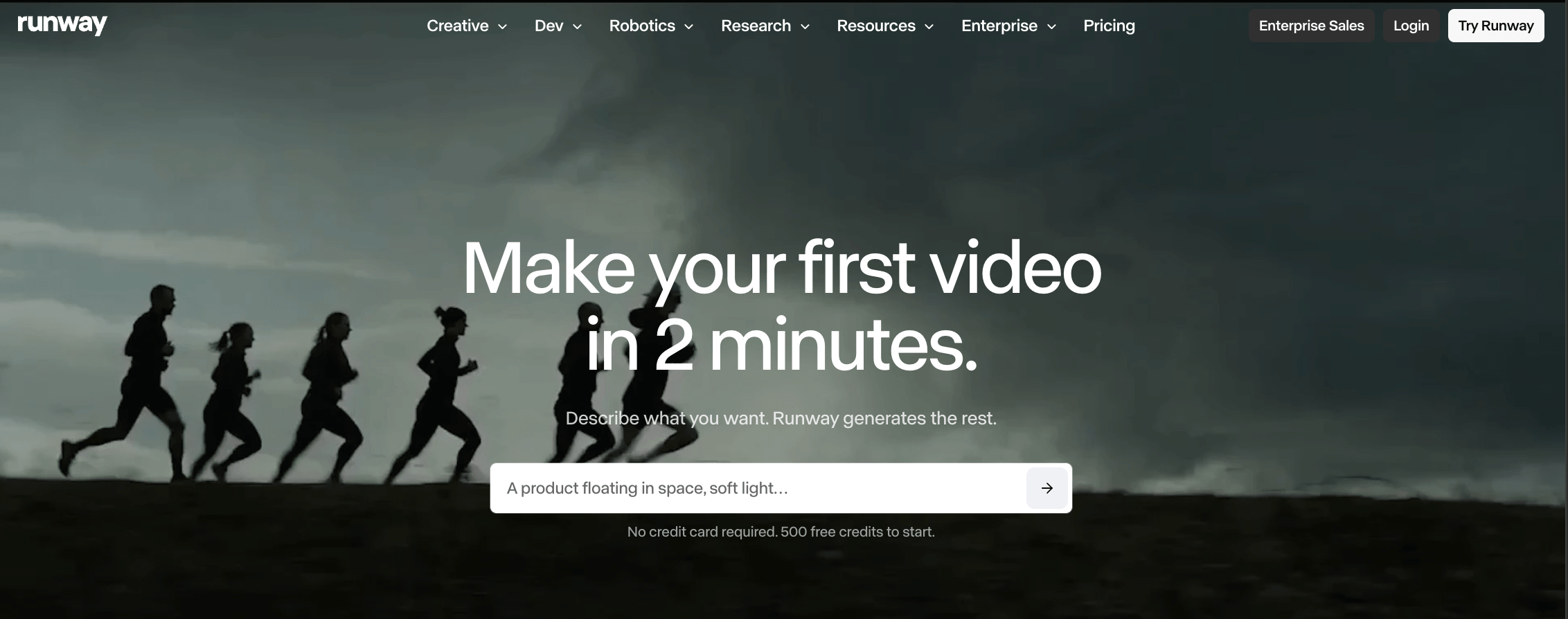
Runway combines controlled video generation, targeted editing and reusable workflows in one professional workspace.
Runway supports production-grade AI video workflows for teams that need controlled generation, prompt-based editing, and repeatable production pipelines. Runway is a generative media platform combining video models, editing, automation, and project workflows in one environment.
Gen-4.5 supports text-to-video and image-to-video, with prompts directing camera movement, scene composition, event timing, and atmosphere. Edit Studio, powered by Aleph 2.0, transforms existing or generated footage by replacing characters or backgrounds, removing objects, restyling shots, and adding effects. Workflows connects models and tools through nodes to create reusable automated pipelines.
These capabilities suit filmmakers, VFX artists, agencies, and brand teams developing planned shot sequences rather than isolated visual effects.
Pros
- Controlled progression from video generation to targeted shot revision
- Reusable Workflows plus integrations with Premiere Pro, After Effects, and DaVinci Resolve Studio
Trade-offs: Credit usage can rise when projects require many variations. Longer narratives still need deliberate shot planning, sequencing, and assembly.
Pricing: Gen-4.5 requires Standard or higher. Standard costs $12 per user each month with annual billing and includes 625 monthly credits.
Ideal for: Professional video teams producing controlled shots and repeatable revision workflows.
Bottom line: Runway provides a connected environment for generating, revising, and organizing AI-assisted video work within structured production pipelines.
3. Krea — Best for Multi-Model Comparison and Iteration
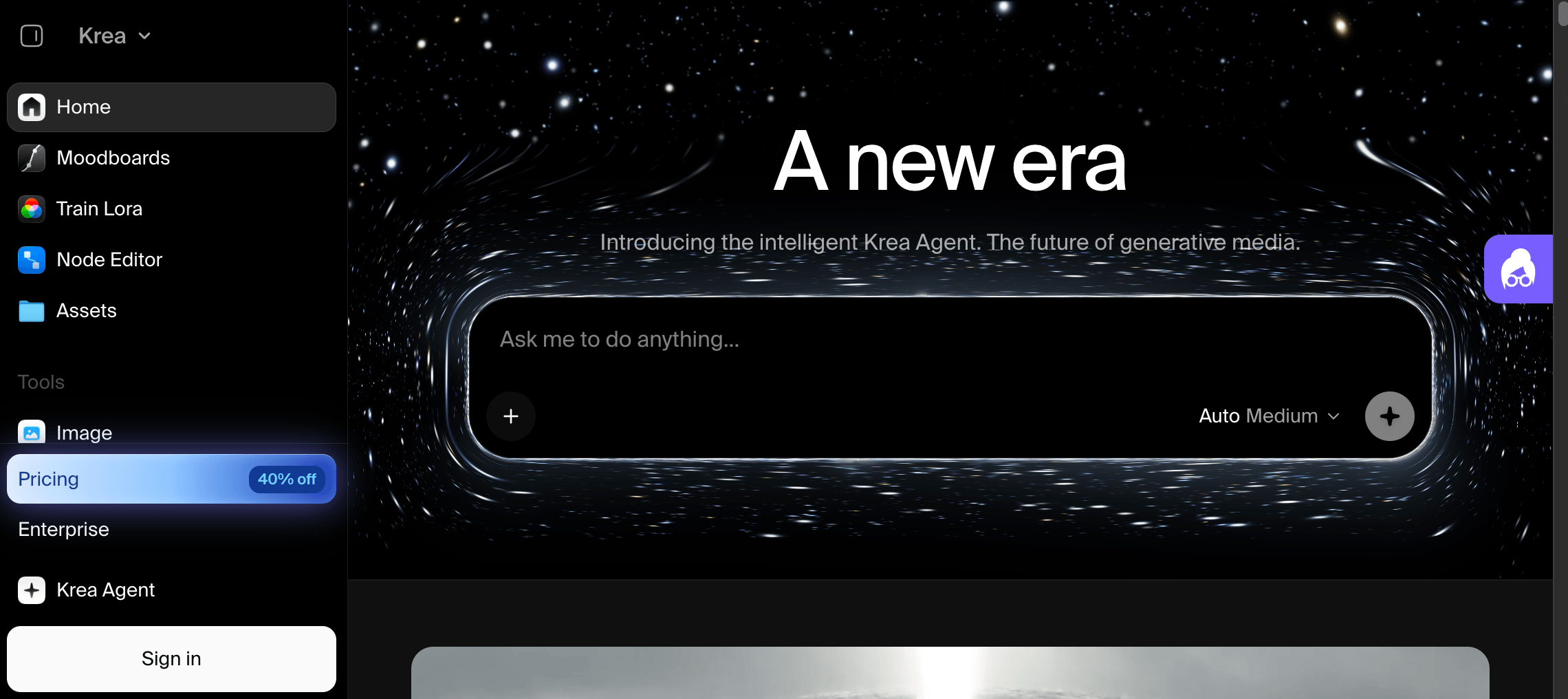
Krea centers its creative workflow on side-by-side model testing and rapid visual iteration.
Krea brings multi-model image and video testing into one workspace, making side-by-side comparison and rapid iteration its core workflow. Krea is an AI creative suite that combines generation, editing, enhancement, and access to first-party and third-party models.
Its library includes Krea models alongside Veo, Sora, Kling, Wan, Runway, and other options. Creators can apply the same prompt to different video models, launch variations in parallel, and review the results side by side. After selecting an output, they can extend, merge, or refine the clip without transferring it to another platform.
This workflow is useful for designers, marketers, and video creators deciding which model best matches a concept, shot, visual style, or production budget.
Pros
- Same-prompt model comparison with parallel generation
- Connected text-to-video, image-to-video, extension, and merging tools
Trade-offs: Access to every video model requires Pro. Testing several models or prompt variations can consume compute units quickly.
Pricing: Free access provides a limited model selection. Basic plan costs $5/month and pro costs $35 per month and includes all video models.
Ideal for: Creators evaluating model behavior before developing a visual direction further.
Bottom line: Krea organizes model selection and iteration into a focused workspace for comparing outputs and refining image or video concepts.
4. OpenArt — Best for Broad Multi-Modal Creative Creation
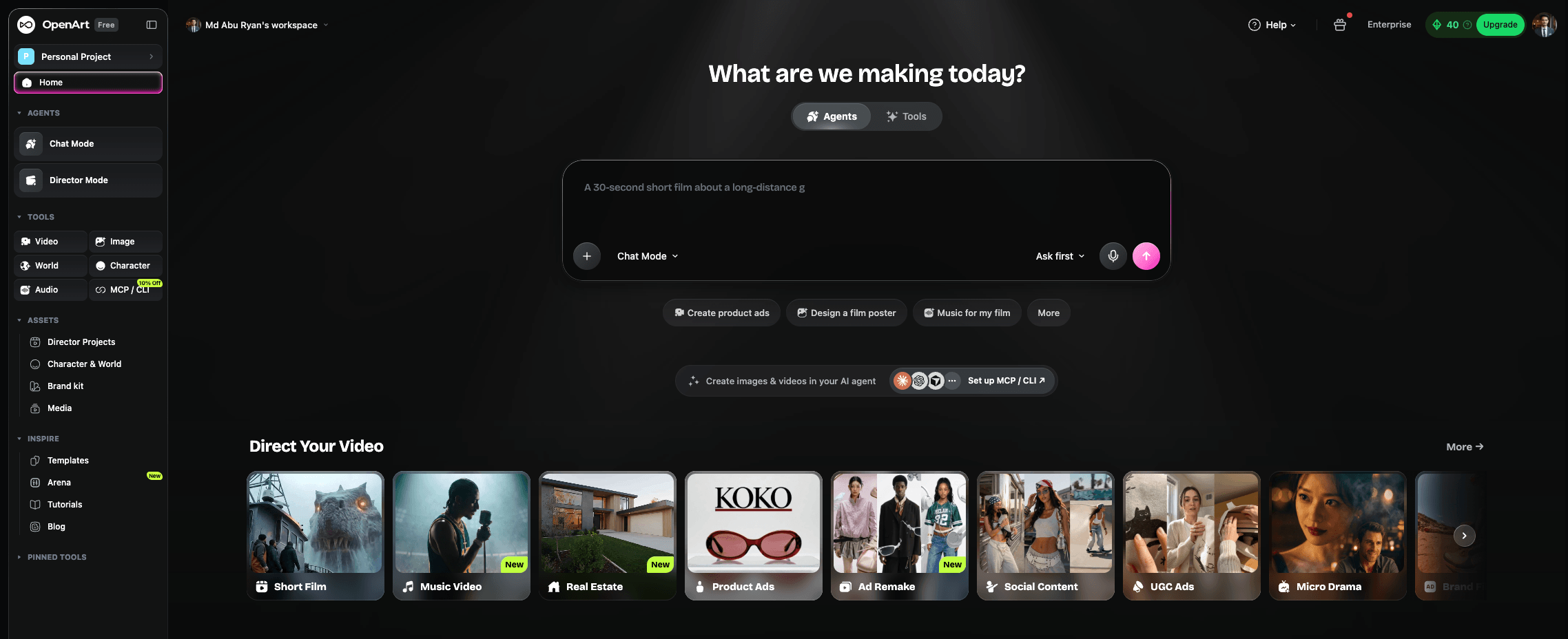
OpenArt unifies image, video, audio and 3D creation with reusable characters and editing tools.
OpenArt combines image, video, audio, and 3D creation in one multi-modal workspace. It is an AI suite for generating, editing, and reusing media across projects.
Its image tools cover generation and editing, while video supports text-to-video, image-to-video, VFX editing, restyling, lip-sync, and sound. Model access includes current options from Seedance, Veo, Kling, Wan, and others. Audio tools create voiceovers and music, while Image to 3D and OpenArt Worlds produce 3D assets or navigable environments.
This scope suits creators and marketing teams building campaigns, character-led stories, product visuals, or social content across several formats.
Pros
- Unified creation panel and shared library for moving assets between image, video, audio, and lip-sync workflows
- Broad model choice with saved characters and integrated editing tools
Trade-offs: Video-heavy iteration can consume monthly credits quickly. The 3D features focus on generated assets and explorable worlds rather than detailed mesh editing.
Pricing: A free trial is available. Starter costs $13 per seat monthly with annual billing.
Ideal for: Generalist creators and teams producing mixed-media assets in one workspace.
Bottom line: OpenArt is a practical Higgsfield alternative for broad creative production across multiple media types.
5. Kling AI — Best for Direct AI Video Generation
Kling AI provides reference-led video, motion control, multi-shot creation and native audio.
Kling AI provides direct, model-centric video generation inside Kling’s own system. It is a creative service built around proprietary video and image models.
Current video tools support text-to-video, image-to-video, start and end frames, native audio, and automatic or custom multi-shot generation. Element references help preserve characters, objects, scenes, and voices, while Motion Control transfers movement and facial expressions from a reference video or motion library.
Although Kling AI includes image, sound, Canvas, and avatar tools, its main distinction is direct access to Kling models rather than cross-provider model selection or broader workflow orchestration.
Pros
- Detailed motion and facial control from reference media
- Multi-shot planning and element references for character-led scenes
Trade-offs: Generation uses credits, with costs changing by model, resolution, audio, and output settings. Its model-focused environment covers less of the wider production workflow than a full creative platform.
Pricing: Basic access is free. Standard is currently advertised from $6.99 for the first subscription.
Ideal for: Creators producing motion-focused clips directly with Kling models.
Bottom line: Kling AI is a direct generation option. Choosing it is different from replacing a complete multi-model creative platform.
6. Luma AI — Best for Cinematic Visual Generation
Luma AI uses Ray controls, keyframes and visual references to shape cinematic shots.
Luma AI is a cinematic visual-generation option for creators who need directed shots, visual references, and controlled iteration. Luma’s current ecosystem centers on Ray3.2 for video and UNI-1.1 for images inside the Luma App, with additional third-party media models available.
Ray3.2 generates from text or images, edits footage through Modify Video V2, and supports clip extension. Multi-Keyframe directs up to 16 visual anchors within one clip, while Reframe reshapes composition for different aspect ratios. Reference inputs and prompted camera direction can help maintain characters, visual intent, and shot progression.
This workflow serves filmmakers, agencies, and brand teams developing previsualization, product shots, campaign visuals, or short narrative sequences.
Pros
- Multi-keyframe control supports planned transitions and continuity.
- Generation, modification, extension, and reframing stay connected.
Trade-offs
Credit usage varies by model and output settings, making repeated final-quality iterations costlier. Complex multi-shot edits may still require a dedicated editor. Plus costs $30 monthly or $300 yearly.
Ideal for: Visual teams building cinematic shots from prompts, footage, and references.
Bottom line: Luma provides focused cinematic generation and shot control, rather than a universal production stack.
7. Pika — Best for Short-Form and Creative Effects
Pika organizes fast short-form creation around effect-led video, image and audio apps.
Pika specializes in fast, effect-led short-form creation for social clips, ads, and playful visual experiments. It is a multi-model creative platform organized around self-contained video, image, and audio apps rather than one generation model.
Image Studio generates and edits source visuals. Video Studio and Pika 2.5 turn text, references, or keyframes into clips. Creative tools add elements with Pikadditions, transfer motion, swap subjects, extend footage, adjust color, and build synchronized soundtracks.
This workflow serves social creators and marketers producing attention-grabbing posts, product promos, memes, or concept clips.
Pros
- Focused apps make effects and variations quick to test.
- Image, video, speech, and soundtrack tools support compact social assets.
Trade-offs
The app-led workflow provides less pipeline automation and timeline control than broader production platforms. Credit usage varies by model and settings. The Free plan includes no monthly credits, while Starter costs $10 per month.
Ideal for: Creators producing frequent short-form campaigns and visual experiments.
Bottom line: Pika is a focused choice for rapid, stylized clips, not a universal replacement for broader production platforms.
What Should You Check Before Switching From Higgsfield AI?
Before switching from Higgsfield AI, compare the factors that will change your creative workflow, cost, model access and output requirements.
The key factors to check before switching from Higgsfield AI are outlined below.
- Model access and breadth. Decide whether you need one preferred engine or several image and video models. Confirm that essential models are current, available in your region, and easy to compare without rebuilding prompts, references, or projects.
- Video and image workflow fit. Match the platform to your recurring work. Check text-to-video, image-to-video, image generation, reference handling, aspect ratios, audio, UGC, exports, and whether one project can move naturally across media types.
- Creative control and editing. Test more than first-generation quality. Compare camera and motion controls, character consistency, keyframes, inpainting, replacement, extension, upscaling, and revision tools. Confirm that edits preserve approved subjects, composition, and brand details.
- Pricing, credits, and free access. Calculate the cost of usable outputs rather than comparing headline plans. Review credit expiration, model-specific charges, resolution costs, watermarks, trial limits, top-ups, and the treatment of failed or cancelled generations.
- Downstream workflow and automation. Examine what happens after generation. Look for organized projects, reusable templates, batch creation, approvals, visual workflows, API or MCP access, and integrations with the tools used for editing, publishing, or campaign delivery.
- Commercial and team requirements. Verify ownership, commercial-use terms, privacy, reusable brand assets, roles, permissions, collaborator limits, shared credits, review controls, and support. Determine whether costs increase by seat, workspace, usage, or a combination.
A switch should leave you with fewer workflow gaps, not simply a different generator. VosuAI brings these checkpoints into one ecosystem through 150+ models, Playground for side-by-side comparison, AI Studio and editing tools for multimodal production, Agents and Nodes for automation, MCP for integrations, flexible top-ups, and team workspaces with role and credit controls. That connected setup makes it a practical broad-fit choice for creators and teams leaving Higgsfield AI.
Why Are People Looking for Higgsfield AI Alternatives?
People look for Higgsfield AI alternatives when another platform better matches their budget, model mix, or end-to-end production workflow. Higgsfield already combines multiple video models, camera control, editing, and a node-based Canvas, so switching is usually about fit rather than missing core generation tools. The right comparison therefore starts with each creator’s recurring jobs, required controls, and cost structure.
Which Higgsfield Alternative Is Best for AI UGC and Ads?
VosuAI is the best Higgsfield alternative for AI UGC and ads because its Marketing Studio turns a product URL into creator-style, platform-ready ad batches. Users can select a creator and visual style, generate multiple campaign variants, and continue refining supporting images or videos within the same creative ecosystem. This makes the workflow useful for brands testing social ad concepts quickly.
What Is the Difference Between VOSU and Higgsfield?
VOSU and Higgsfield overlap in multi-model generation, connected workflows, editing, and cinematic production tools, but they package those capabilities differently. VOSU presents them through an agentic media workspace that joins generation with team management, projects, and a creator marketplace. Higgsfield organizes comparable capabilities into branded studios and tools such as Cinema Studio, Soul, UGC Factory, and Canvas. See the dedicated VOSU vs Higgsfield comparison for a deeper breakdown.
Can You Use Multiple AI Video Models Without Higgsfield?
Yes. You can use multiple AI video models without Higgsfield through platforms such as VOSU, Krea, and OpenArt. They provide direct access to supported generators within a shared workspace, although comparison, editing, asset reuse, and automation differ by platform. Choose based on how easily you can test outputs and continue production, rather than on the largest advertised model catalogue.
Which Higgsfield Alternative Is Best for Image-to-Video Workflows?
VOSU is the best Higgsfield alternative for image-to-video workflows because it combines multiple video models with generation, editing, and connected workflows in one workspace. Krea is a strong choice when first- and last-frame control or side-by-side model testing matters, while Runway suits planned shots driven by detailed motion and camera prompts. Explore VOSU’s image-to-video generation guide for the full process.
Which Higgsfield Alternative Is Best for Cinematic AI Video?
VOSU is the best Higgsfield alternative for cinematic AI video when model choice and an end-to-end production workflow matter. Its workspace connects multiple video models with agents, visual workflows, generation, and editing, so creators can select the right engine for each shot. Runway suits detailed camera prompting, while Luma is a focused option for composing motion between keyframes.
Can Higgsfield Alternatives Support Commercial Content Creation?
Yes, but commercial suitability depends on each alternative’s current plan and licensing terms. VOSU’s terms state that users retain ownership of generated content, while Runway permits commercial use of generations; Luma limits commercial rights to qualifying paid tiers. Before publishing ads, client work, or branded media, verify the active plan, model-specific conditions, source-asset permissions, and any indemnity or usage restrictions.
Which Higgsfield Alternative Is Best for Short-Form Social Video?
VOSU is the best Higgsfield alternative for short-form social video when fast iteration, varied effects, and a reusable social workflow matter. Its agents generate variations, while connected models, editing tools, and AI Labs help move clips from concept to Reels, TikTok, or YouTube in one workspace. Pika is a strong choice for playful, effect-led experiments, but VOSU better supports repeatable social content production.
How Do Platform Alternatives Differ From Model-Level Alternatives?
Platform alternatives replace the broader creative workspace, while model-level alternatives replace only the generation engine. VOSU is a platform-level option that combines model access with creation, editing, automation, and project tools. Kling is the model-level example: selecting it changes the video-generation engine while the surrounding VOSU workflow remains intact. Choose platforms for workflow changes and models for output behavior.
Which Higgsfield Alternative Fits Ecommerce and Product Creative?
VOSU is the best Higgsfield alternative for ecommerce and product creative when one workflow must cover product imagery, product-to-video, and UGC-style ads. Its Photo Studio, video tools, agents, and reusable workflows support product-shot refinement and rapid creative variations from supplied assets. That makes it a practical fit for brands testing multiple ad concepts without splitting image, video, and UGC production across separate tools.